- Warning: Some skins on ely.by appear naked, you might want to sign-up together with your child and explain why it’s there. Otherwise this step is optional and will not impact gameplay other than the player has no option to customize how he looks like inside the game.
- To use a custom skin on the Minecraft server head over to ely.by.
- Create account and join, use the username from the previous page then Register.

- Login and click on the tab on the upper left section of the menu then choose skins.
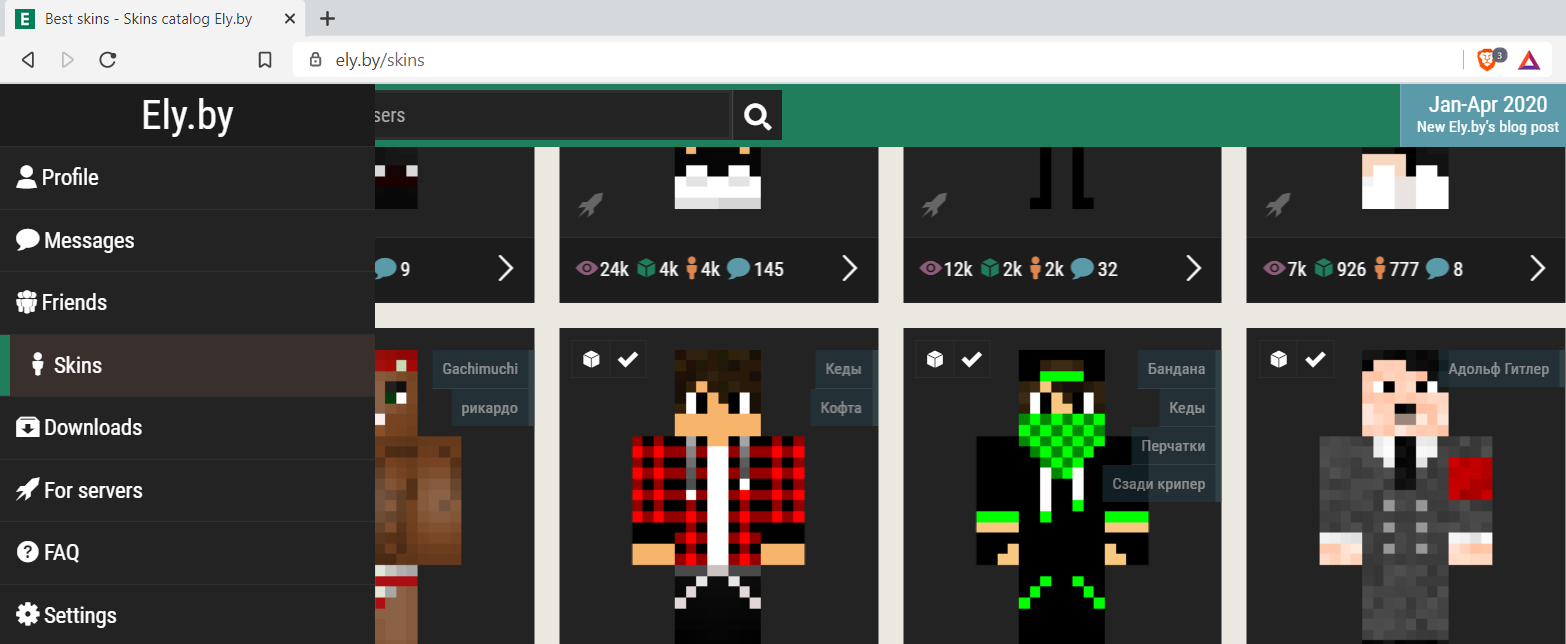
- To choose a skin, click on the check button. To bookmark a skin for later use click on the cube icon.
Once a skin is selected, login on Minecraft using exactly the username registered on ely.by. Enjoy the game.