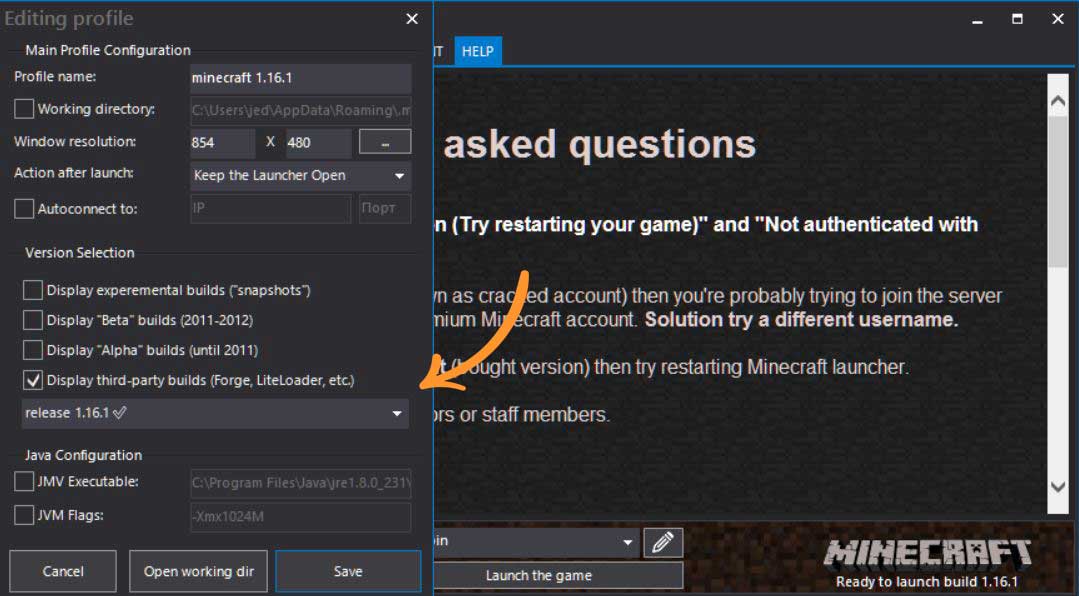
- If an existing version of Minecraft is already installed, open Minecraft launcher then click on Edit profile and choose version 1.16.1 then save. Else, download this version of Minecraft, unzip and install. If Java is not installed, download Java and install as well.
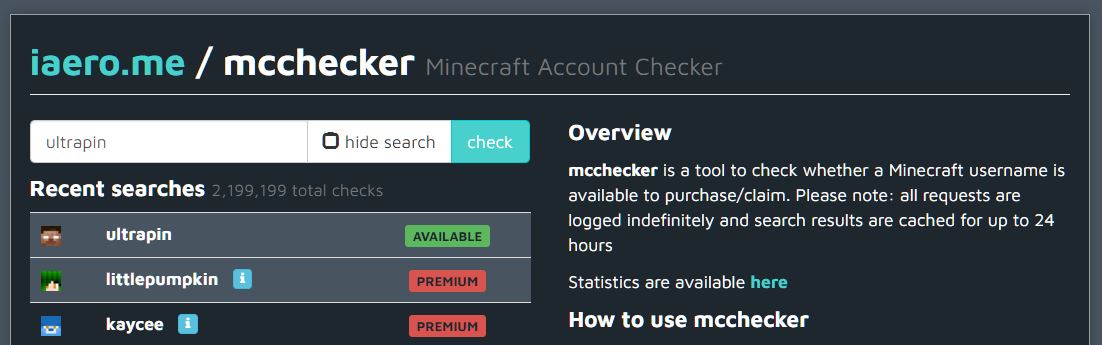
- Choose a username and make sure it’s available. Use iaero.me to check.
- Provide the chosen username to the server admin (person who created the server) for whitelisting.
- This step is optional, if a custom skin is desired click here for instructions.
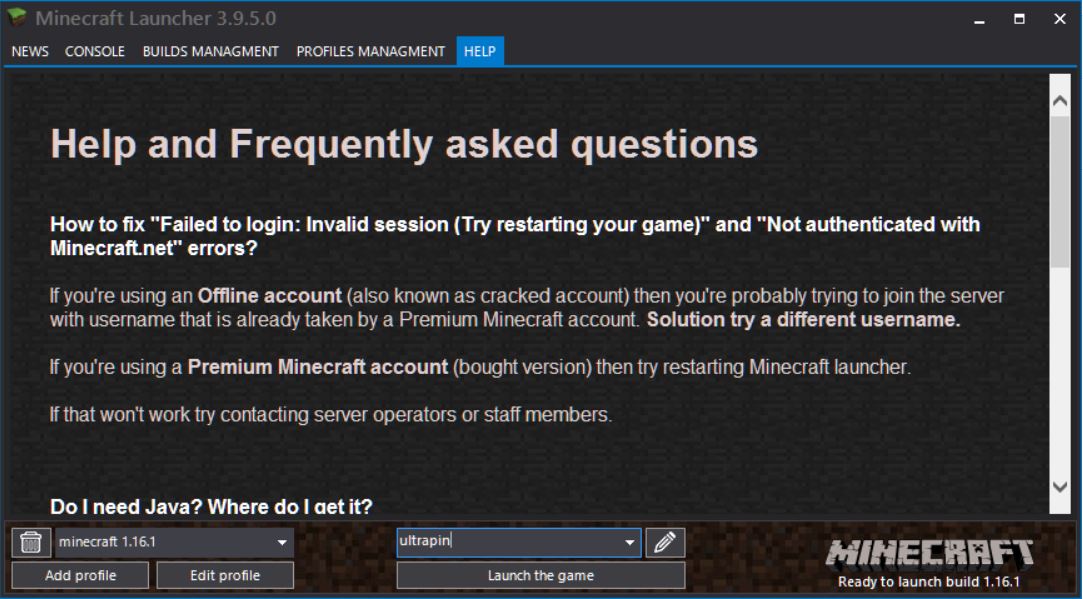
- Login with the chosen username and launch game.
- Once logged in, click on the Multiplayer button and choose Add Server.
- Choose an arbitrary Server Name but make sure the Server Address is: play.aquino.im:25743

- Then click Done.

- Select the added server and click Join Server.
Enjoy the game. Please note, griefing, using inappropriate skins and bad language may be grounds for being kicked or banned from the server.
If all else fails download TeamViewer and look at this Youtube video on how to install team viewer so that the game master can remotely configure the computer.
Please provide your TeamViewer ID and Password to the game master. When a prompt appears if you want to allow remote access respond with yes.